



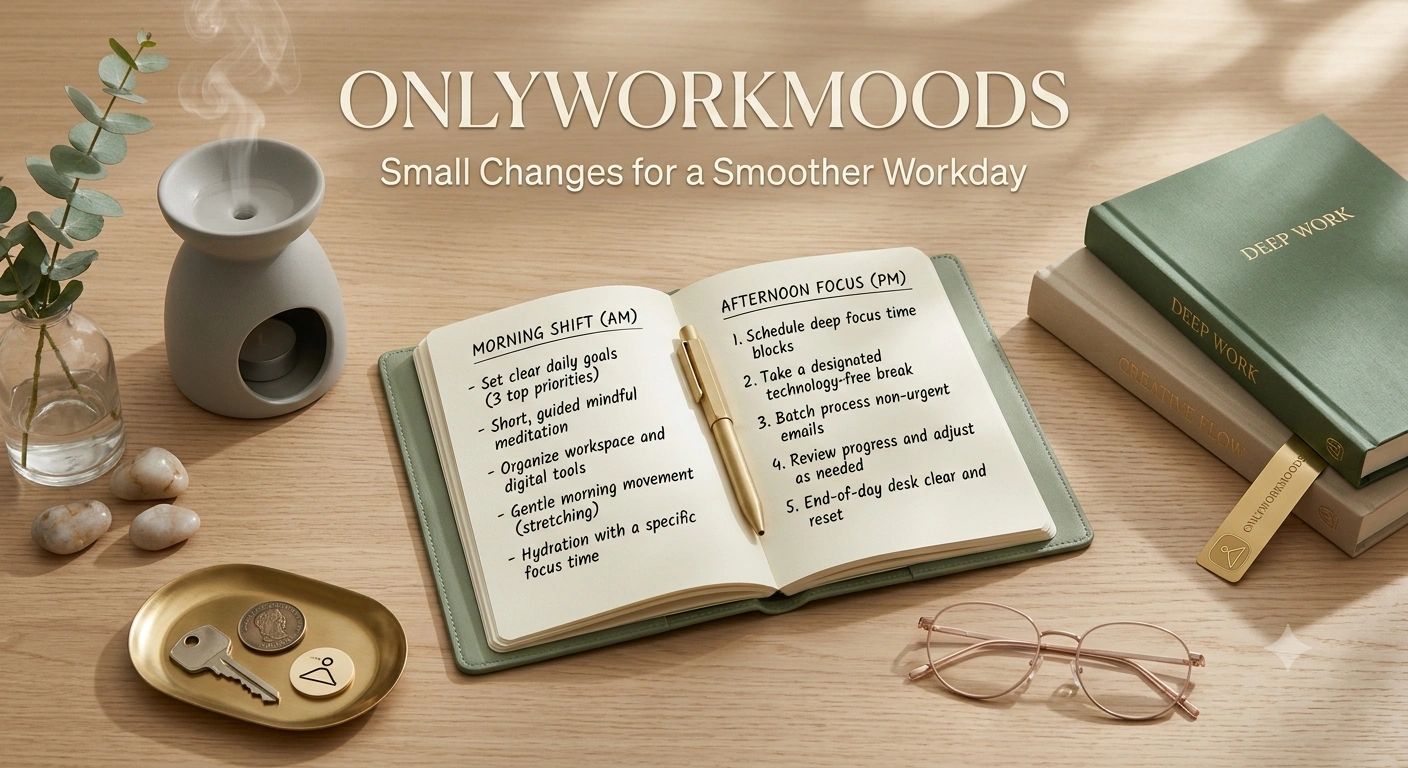
Introduction
A workday doesn’t have to be chaotic to leave you feeling tired. Sometimes the problem is a collection of small issues: unclear priorities, constant notifications, unnecessary meetings, a cluttered workspace, or a habit of switching between tasks too often.
OnlyWorkMoods is about looking at those everyday work patterns and finding practical ways to improve them.
The goal isn’t to turn every hour into a productivity exercise. A better workday should give you enough structure to know what matters, enough flexibility to handle unexpected work, and enough breathing room to avoid feeling like you’re constantly rushing from one task to another.
In this guide, you’ll find simple ideas for organizing your workload, protecting your attention, improving your workspace, handling interruptions, and ending the workday with greater clarity.
What Makes a Workday Feel Smoother?
A smoother workday isn’t necessarily one where you complete the largest number of tasks.
Instead, it is a day where you have a reasonable understanding of:
- What needs your attention
- What can wait
- When you should focus
- When you can respond to others
- What remains unfinished
- When the workday is finished
Good organization should reduce confusion rather than create more work.
1. Start With a Clear Priority
One of the easiest ways to make a workday feel scattered is to begin without knowing what deserves your attention.
Before getting deeply involved in emails or minor tasks, identify your main priority.
Ask:
“If I could make meaningful progress on only one thing today, what should it be?”
That doesn’t mean ignoring everything else.
It simply gives you an anchor when new requests start appearing.
2. Separate Important Work From Small Tasks
Not every task requires the same level of concentration.
You may have:
Deep-focus work
- Writing
- Planning
- Analysis
- Designing
- Problem-solving
Routine work
- Filing
- Basic updates
- Simple administrative tasks
- Sorting information
Communication
- Emails
- Messages
- Meetings
- Calls
When possible, group similar work together instead of constantly jumping between unrelated activities.
3. Don’t Let Your Inbox Become Your To-Do List
Email can easily become a source of constant interruption.
Instead of treating every new message as an instruction to stop what you’re doing, decide how email fits into your workday.
For example, you might review messages:
- At the beginning of the workday
- During a planned communication period
- Toward the end of the day
The exact timing depends on your role.
If your work requires immediate responses, you may need a different approach.
The important point is to distinguish urgent communication from everything else.
4. Create a Short Daily Task List
A giant task list can make a normal workload appear impossible.
Keep your daily list focused.
A useful structure might be:
Priority: 1–2 important tasks
Supporting tasks: A few smaller responsibilities
Optional: Tasks that can move if necessary
This gives you a clearer picture of what genuinely needs to happen.
5. Use Your Calendar for Time-Specific Work
Your calendar should primarily answer:
“When does this need to happen?”
Use it for:
- Meetings
- Appointments
- Deadlines
- Scheduled calls
- Important time-specific activities
Your task list can answer a different question:
“What needs to be done?”
Keeping those questions separate can make planning easier.
6. Protect Your Focus
Concentration becomes harder when interruptions constantly reset your attention.
Where your role allows it, create periods where you focus on one task.
During that time:
- Close unnecessary tabs.
- Silence non-essential notifications.
- Keep unrelated tasks off your immediate workspace.
- Avoid checking unrelated messages.
- Work on one clear objective.
You don’t need an uninterrupted day.
Even a limited period of focused work can be useful.
7. Make Your Workspace Work for You
Your workspace doesn’t have to look perfect.
It should make important actions easy.
Keep frequently used items within convenient reach.
Remove things that repeatedly distract you.
Organize files and materials so you can find them without searching through piles or folders every time.
A useful question is:
“What do I repeatedly reach for during my workday?”
Start organizing around those items.
8. Use Short Reset Points
You don’t need to wait until the end of the week to reorganize everything.
Use small reset points during the day.
For example, after completing a major task:
- Save your work.
- Close unnecessary files.
- Clear your immediate workspace.
- Record anything unfinished.
- Decide what comes next.
This creates a clean transition between activities.
9. Handle New Requests Without Immediately Changing Priorities
Unexpected requests are part of many jobs.
When someone asks you to do something new, don’t automatically abandon your current task.
Instead, clarify:
- What needs to be done?
- When is it needed?
- How important is it?
- What should move if you take it on?
This is particularly useful when your existing workload is already full.
A new priority may require an old priority to move.
10. Make Meetings More Useful
Meetings can become difficult when nobody knows why they’re happening.
Before accepting or attending a meeting, consider:
- What is the purpose?
- What needs to be decided?
- Who needs to participate?
- Is there information that can be shared another way?
When a meeting is necessary, having a clear purpose can help everyone use the time effectively.
OnlyWorkMoods and Better Work Communication
Good communication isn’t only about responding quickly.
It’s also about making messages easier to understand.
When sending a work message, consider including:
Context → Request → Deadline or next step
For example:
“The campaign report is ready. Please review the budget section and share any changes before tomorrow’s planning call.”
The recipient can immediately understand what the message is about and what action is expected.
How to Deal With a Workday That Goes Off Track
Even a well-organized day can change.
An urgent request may appear.
A meeting may run longer than expected.
A technical issue may interrupt your plans.
When this happens, don’t try to preserve the original schedule at all costs.
Instead:
1. Pause
Identify what changed.
2. Reprioritize
Determine what still matters today.
3. Move flexible tasks
Push non-essential work to another time.
4. Restart with one task
Choose the next practical action.
Flexibility is part of good planning.
OnlyWorkMoods for Remote Work
Working remotely can create a different set of challenges.
The boundary between work and personal life may become less obvious.
A few practical habits can help:
- Use a consistent workspace when possible.
- Create a clear start-of-work routine.
- Keep work notifications under control.
- Take appropriate breaks.
- Define a stopping point for the workday.
- Keep personal activities separate from your main work area when practical.
The objective is to create a psychological transition between work mode and personal time.
OnlyWorkMoods for Office Work
Office environments bring different distractions.
You may deal with:
- Colleagues stopping by
- Background conversations
- Meetings
- Phone calls
- Shared spaces
- Unplanned requests
You don’t need to avoid communication.
Instead, communicate when you need focused time.
A simple message such as:
“I’m working on a deadline right now; I’ll come back to you when I’m finished.”
can sometimes prevent unnecessary interruptions.
Build an End-of-Day Shutdown Routine
One of the most useful work habits is knowing how to finish.
Before leaving work, whether physically or remotely:
- Check your task list.
- Record unfinished work.
- Review tomorrow’s important commitments.
- Save necessary files.
- Clear your immediate workspace.
- Identify tomorrow’s first priority.
This gives you a clear stopping point.
You don’t have to keep mentally carrying every unfinished task into your evening.
What a Practical Workday Could Look Like
Here’s an example:
| Part of day | Main focus |
|---|---|
| Start | Review priorities and schedule |
| Early work period | Priority task |
| Communication period | Emails, messages, calls |
| Midday | Meetings and supporting tasks |
| Later work period | Remaining focused work |
| Final period | Review, organize, prepare |
This isn’t a universal schedule.
Different roles require different structures.
Use it as a framework rather than a rigid timetable.
Common Workday Mistakes
Trying to do everything immediately
Not every request is urgent.
Keeping too many tasks active
Too many simultaneous priorities can create confusion.
Constantly checking notifications
Frequent interruptions can make focused work harder.
Planning without leaving flexibility
Unexpected work happens.
Working without a clear stopping point
A workday without an endpoint can easily expand.
Measuring productivity only by task quantity
Completing many small tasks doesn’t necessarily mean you’ve made progress on what matters most.
A Simple OnlyWorkMoods Daily Checklist
Before starting:
- Check your schedule.
- Choose your main priority.
- Identify important deadlines.
- Remove obvious distractions.
During the day:
- Work on one clear task when possible.
- Group communication where practical.
- Reprioritize when new work appears.
- Take appropriate breaks.
Before finishing:
- Review unfinished work.
- Update your task list.
- Check tomorrow’s commitments.
- Choose tomorrow’s first priority.
- Close your workday.
Frequently Asked Questions About OnlyWorkMoods
What is OnlyWorkMoods?
OnlyWorkMoods is a practical approach to creating a more manageable and organized workday. It focuses on priorities, attention, communication, workspace organization, and routines that can make everyday work easier to navigate.
How can I make my workday less stressful?
Start by reducing unnecessary confusion around priorities and tasks. A short daily task list, fewer unnecessary interruptions, and a clear end-of-day routine can help create more structure.
Should I check email throughout the entire workday?
It depends on your role and how quickly you need to respond to messages. If immediate responses aren’t required, designated email-checking periods can help reduce unnecessary interruptions.
How many tasks should I prioritize each day?
There is no universal number of tasks that works for everyone. A practical approach is to identify a small number of genuinely important priorities and treat other tasks as supporting or flexible work.
How can I handle unexpected work requests?
Assess the urgency and importance of the new request before changing your existing priorities. If the new work must be completed immediately, decide which existing task can reasonably move.
What is an end-of-day work routine?
An end-of-day work routine is a short process for reviewing unfinished tasks, checking upcoming commitments, organizing your workspace, and identifying the next priority. It creates a clearer stopping point and makes the following workday easier to start.
Conclusion
A smoother workday doesn’t require a complicated productivity system.
The OnlyWorkMoods approach is about creating enough structure to know what matters while keeping enough flexibility to handle the unexpected.
Start with a clear priority. Separate focused work from routine tasks. Manage communication intentionally. Keep your workspace practical. Use short reset points and finish the day with a simple shutdown routine.
Most importantly, don’t confuse constant activity with meaningful progress.
A good workday isn’t one where you do everything. It’s one where you know what deserves your attention and can work through it with greater clarity.








[…] Wallpostmedia reflects the changing nature of digital publishing, where technology, lifestyle, online culture, and emerging trends increasingly overlap. […]